.png)
Encumbrance Certificate (EC) Karnataka 2026: How to Check & Download Online
Consider a scenario that plays out far too often in the Bengaluru real estate market: A buyer finds a highly desirable plot, verifies the Sale Deed, negotiates the price, and pays in full. The seller hands over the keys, and the buyer assumes they now hold clear, unencumbered ownership of the land. Three months later, a bank sends a foreclosure notice to the property address. It turns out the seller had taken a massive loan against the plot two years ago, quietly pocketed the sale money, and vanished. Because the buyer skipped pulling a fresh Encumbrance Certificate before registration, that undisclosed bank mortgage legally transferred to them along with the land.
If you are buying property in Karnataka, the Sale Deed tells you who claims to own the land today, but it is the Encumbrance Certificate (EC) that tells you what baggage the land is carrying from the past.
As an essential component of the documents required to buy property in Karnataka, the EC is the ultimate chronological ledger of a property's registered history. Whether you are navigating the Kaveri 2.0 portal for the first time or trying to understand the critical difference between a Form 15 and a Form 16, this is your complete, step-by-step 2026 guide to downloading and reading an Encumbrance Certificate in Karnataka.
Quick Answer: An Encumbrance Certificate (EC) is an official record from the Karnataka Department of Stamps & Registration listing every registered transaction on a property — sales, gifts, and mortgages — over a chosen period. You get it online via the Kaveri portal. A Form 15 EC lists actual transactions; a Form 16 is a Nil EC (no registered entries). Online records go back to ~2004; older periods need a manual SRO request. Always pull a fresh EC (15–30 years) before buying to catch hidden loans or disputes.
What Is an Encumbrance Certificate (EC)?
An Encumbrance Certificate, issued by the Karnataka Department of Stamps & Registration, is a legally binding document that chronicles every registered transaction that has occurred on a specific property over a specified period. The word "encumbrance" refers to a charge, lien, or liability created on a property, typically indicating that it is held as collateral for a debt.
When a property is bought, sold, gifted, partitioned, or mortgaged to a bank, that transaction must be registered at the local Sub-Registrar's Office (SRO). The EC is the master index of all those SRO registrations.
For property buyers, lenders, and legal advisors, the EC is the single most important diagnostic tool for evaluating the health of a title. It provides definitive answers to critical questions:
- Is the person selling the property the actual, sole registered owner?
- Has the property been sold to multiple people simultaneously (double registration)?
- Is there an active, uncleared bank loan or private mortgage resting on the title?
- Have there been any registered court attachments or legal liens placed by authorities?
Understanding EC Formats: Form 15 vs. Form 16 (Nil EC)
When you apply for an EC through the Kaveri portal, the system searches its database for the property boundaries and survey identifiers you provide. Depending on what it finds, the government issues the certificate in one of two formats.
Understanding the difference is critical, as misinterpreting these forms is a common and costly error for homebuyers.
(Crucial Clarification: A "Nil EC" is simply the colloquial term for Form 16. They are the exact same thing, not separate documents. If you order an EC and receive a Form 16, it certifies a blank transaction history for the dates you requested).
.png)
How to Download an EC Online from Kaveri 2.0
In 2026, the Karnataka government manages all property document retrievals through the advanced Kaveri 2.0 portal. Gone are the days of bribing middlemen at the local SRO to pull dusty ledger books. You can now pull a digitally signed, legally valid EC entirely online.
Here is the step-by-step process:
Step 1: Access Kaveri 2.0 & Log In
Navigate to the official Karnataka Kaveri 2.0 portal. If you are a new user, you must register using your mobile number, email, and basic identity details. Once registered, log in to your dashboard.
Step 2: Select Online EC Application
On the primary dashboard, look for the "Services" tab and select Online EC / EC Search. The system will prompt you to choose whether you want to just "View" the EC (which is free but not legally valid for loans or registrations) or apply for a "Digitally Signed EC" (which requires a nominal fee). Choose the digitally signed option if you are conducting serious due diligence.
Step 3: Enter the Search Parameters & Property Details
This is the most critical step. The portal requires highly specific information to locate the correct property ledger:
- District & SRO: Select the district and the exact Sub-Registrar Office where the property was originally registered.
- Search Period: Select the "From" and "To" dates. For a thorough due diligence check, it is highly recommended to pull a 15 to 30-year period. (Note: The Kaveri online database generally only holds digitized records dating back to April 2004. If you need an EC spanning before 2004, the system will not show it. You will need to physically visit the SRO and submit a manual Form 22 application for those older, non-digitized ledger years).
- Property Schedule Details: You must input the specific identifiers matching the parent deeds. This includes the Village Name, RTC/Pahani details, Survey Number, Hissa Number, Plot Number, or BBMP Property ID depending on whether the land is agricultural or urban. You will also be asked to input boundary measurements (East, West, North, South).
Step 4: System Search and Fee Payment
Once you submit the search, the system will query the database. If it finds matching records, it will generate a preview. To secure the official document, you must proceed to the payment gateway. The fee structure is nominal—typically calculated at a base rate for the first year of search, plus a small incremental fee for every additional year searched. Payment can be completed via UPI, Net Banking, or Credit/Debit cards.
Step 5: Download the Digitally Signed EC
After payment, your request is routed for digital signature. Typically, within 24 to 48 hours (and often much faster in 2026), you will receive an SMS notification. You can then log back into the Kaveri portal, navigate to your pending requests, and download the finalized PDF. The document will feature a secure, verifiable QR code and a digital signature from the Sub-Registrar, making it instantly ready for bank loans, e-Khata processing, or property registration.
How to Read an Encumbrance Certificate
Once you have the downloaded PDF in your hands, reading it requires a forensic eye. An EC is not a narrative summary; it is a raw data table.
If you receive a Form 15, you will see a series of rows, with each row representing a distinct registered event. Here is what to scrutinize:
- The Chronology: Ensure the chain of title makes sense. If Person A sold the property to Person B in 2010, the next row involving a sale should list Person B as the seller. If you see Person C suddenly selling it in 2015 without a prior transaction showing how they got it, there is a broken link in the title chain.
- Active Mortgages & Release Deeds: This is the primary reason you pull an EC. If an owner takes a loan, the bank registers a "Mortgage Deed." The EC will show a row detailing the loan amount and the bank's name. When the owner pays off the loan, the bank issues a "Release Deed" or "Discharge Receipt," which creates a new row on the EC. Red Flag: If you see a mortgage entry from 2018, but there is no corresponding release deed entry in the subsequent years, that loan is still active. The property is encumbered, and the bank retains legal rights to it.
- Multiple Sellers (Double Registration): While modern digitized SROs have curbed this, historic records sometimes show a single owner registering a sale to two different buyers on different dates. The EC exposes these fraudulent parallel tracks.
- Court Attachments: If the property is involved in civil litigation or tax default, a court can issue an attachment order, legally preventing its sale. This will appear as an encumbrance entry.
Common Mistakes Buyers Make with ECs
The EC is the most frequently mishandled document in Indian real estate. Protect yourself by avoiding these ubiquitous traps:
1. Pulling Too Short a Period
Many buyers, looking to save a few rupees on search fees, only pull an EC for the last 3 to 5 years. This is a fatal error. A 30-year-old property could carry a heavily compounded, un-discharged mortgage from 1998, or a lingering family partition dispute from 2002. If you only search from 2020 onward, the portal will issue a clean Form 16 (Nil EC), falsely leading you to believe the property is safe. Always pull records spanning 15 to 30 years, transitioning to manual SRO searches for the pre-2004 gap if necessary.
2. Wrong Survey or Schedule Details
The Kaveri search algorithm is highly literal. If the property's true identity is "Survey Number 45/2" but you only search for "Survey Number 45," the system might not find the specific sub-division's transactions. It will confidently issue a Form 16 Nil EC. Buyers often receive a Nil EC, breathe a sigh of relief, and proceed with the purchase, entirely unaware they searched the wrong coordinates.
3. Trusting a Seller-Supplied EC
Never accept a printed EC handed to you by a broker or seller. PDFs are incredibly easy to manipulate with basic editing software. Unscrupulous sellers frequently delete inconvenient mortgage rows before handing the printout to a prospective buyer. As part of your non-negotiable due diligence, you must generate a fresh, independent EC directly from the source portal yourself.
4. Assuming a "Nil EC" Means the Property is 100% Safe
As outlined above, a Form 16 Nil EC simply means the SRO computer database found zero matching registered transactions for the text parameters you entered. It is not an active guarantee of title purity. It could mean the property hasn't been transacted in 20 years, or it could mean you searched the wrong village spelling. A Nil EC over a period where the seller explicitly claims they bought the property is actually a massive red flag.
What an EC CANNOT Show (The Blind Spots)
Understanding the limits of an EC is just as important as knowing how to pull one. The EC only acts as a mirror to the Sub-Registrar's database. It only reflects registered documents.
The EC cannot tell you about:
- Unregistered Mortgages: If the seller pledged original title deeds to a private money lender for a cash loan without registering a formal mortgage deed, the EC will remain completely blank.
- Physical Possession Disputes: The EC shows paper ownership. It will not tell you if squatters, encroachers, or adverse possessors currently occupy the physical land.
- Zoning & Regulatory Buildability: An EC clears the paper title, but it does not clear spatial risk. A flawless EC will not warn you if your plot violates local zoning laws, sits inside a protected environmental buffer zone, or has been notified for highway acquisition.
To completely secure an asset, you must bridge the gap between paper records and physical reality. While the EC proves the title, you must map the physical ground using spatial intelligence platforms to verify buildability, buffers, and zoning.
Skip the Queues: Get Your Verified EC via Patra
Navigating government portals, dealing with session timeouts, figuring out exact SRO jurisdictions, and deciphering manual searches for pre-2004 records can take days of frustrating administrative work.
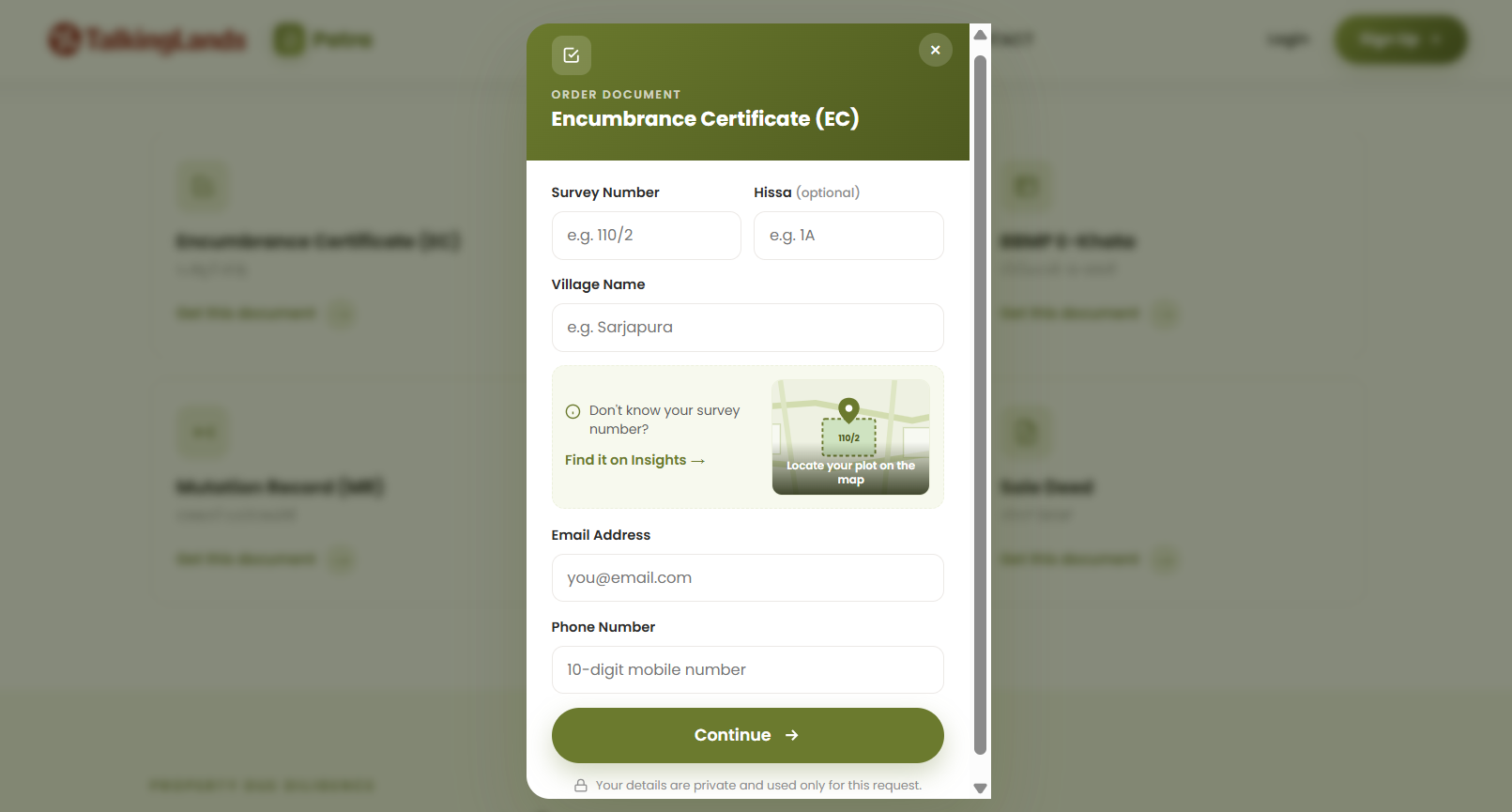
With Patra, you can bypass the friction of the Kaveri portal entirely. From a single interface, you can order verified, authenticated property documents—including the Encumbrance Certificate, RTC, and Mutation Extracts—pulled directly from government source databases.

Frequently Asked Questions
1. How can I check my Encumbrance Certificate online in Karnataka?
You can check and download your EC online through the official Karnataka Kaveri 2.0 portal. By registering as a user, navigating to the 'Online EC / EC Search' tab, entering your specific property scheduling details (Survey Number, Village, SRO), and paying a nominal fee, you can download a digitally signed PDF copy.
2. What is the exact difference between a Form 15 and a Form 16 EC?
A Form 15 is issued when the Kaveri database locates registered transactions (such as sales, mortgages, or gifts) during the requested search period. It lists the chronological history of these entries. A Form 16, commonly known as a Nil EC, is issued when the system finds zero registered transactions for the searched parameters and timeframe.
3. How many years of EC should I check before buying a property?
Property legal experts strongly recommend pulling an EC spanning a minimum of 15 to 30 years. A shorter search period (like 5 years) is extremely dangerous, as it will completely miss older, un-released bank mortgages, long-standing civil court attachments, or historic title breaks.
4. Can I get an EC for periods before 2004 online?
Generally, no. The Kaveri online database primarily hosts digitized records dating back to roughly April 2004. If you require a deep-dive due diligence search for years prior to 2004, you must physically visit the relevant Sub-Registrar's Office and submit a manual application (Form 22) to have clerks search the physical ledger volumes.
5. Does a Nil EC (Form 16) mean the property is 100% safe to buy?
Absolutely not. A Nil EC only certifies that no registered transactions occurred during the specific dates you searched, for the specific spelling or survey number you entered. If you enter incorrect boundary details or search the wrong SRO, the system will output a Form 16. It is not an automatic guarantee of a clean, marketable title.
6. Can an EC show unregistered loans or civil disputes?
No. An Encumbrance Certificate is strictly a reflection of formally registered documents at the Sub-Registrar's office. It will never show unregistered cash loans, oral agreements, unrecorded family partition disputes, or pending civil litigation that hasn't resulted in a formal registered court attachment.